Installation
info
These docs were last updated for Room System 2.0.0-beta.14.
Requirements
Install ValenCommons first. VUdon Logger support is optional.
Install
- Import the provided Room System
.unitypackagefile. - Locate
Packages/com.valenvrc.room_system/Runtime/RoomSystem.prefab. - Drag the prefab into the scene.
- Keep one enabled Room System in the scene.
Add a room
-
Duplicate the supplied room below the prefab's Rooms object.
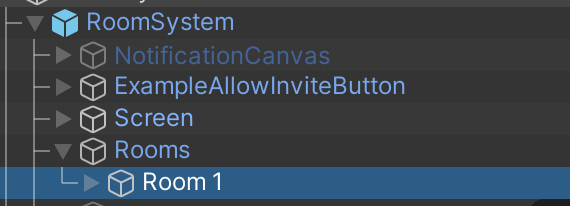
-
Add the duplicate to the main Room System's Rooms array.
-
Resize its box trigger to cover the room interior.
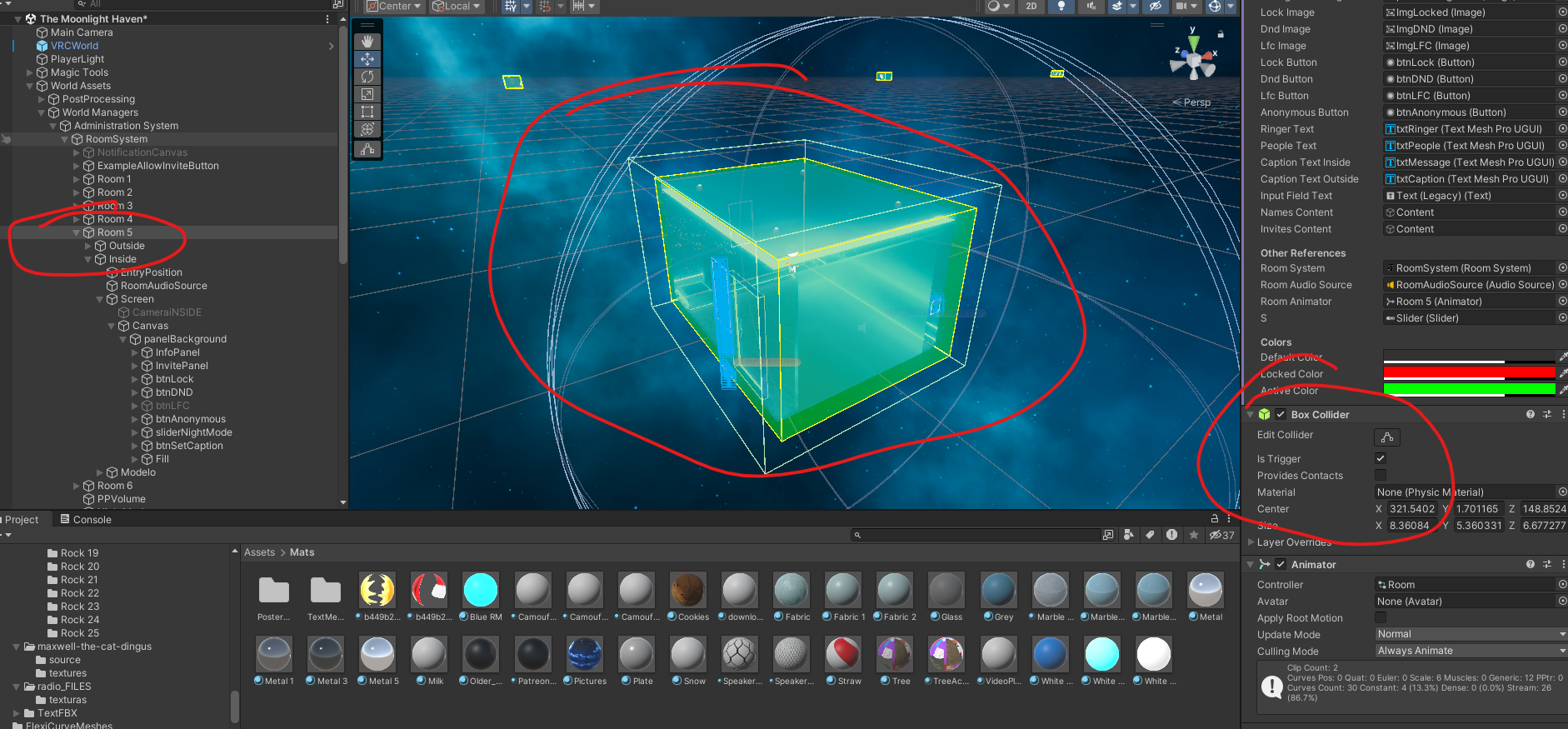
-
Set its Entry Point, Exit Point, and Screen Point.
-
Replace the room UI and camera references only when using custom controls or an intercom layout.